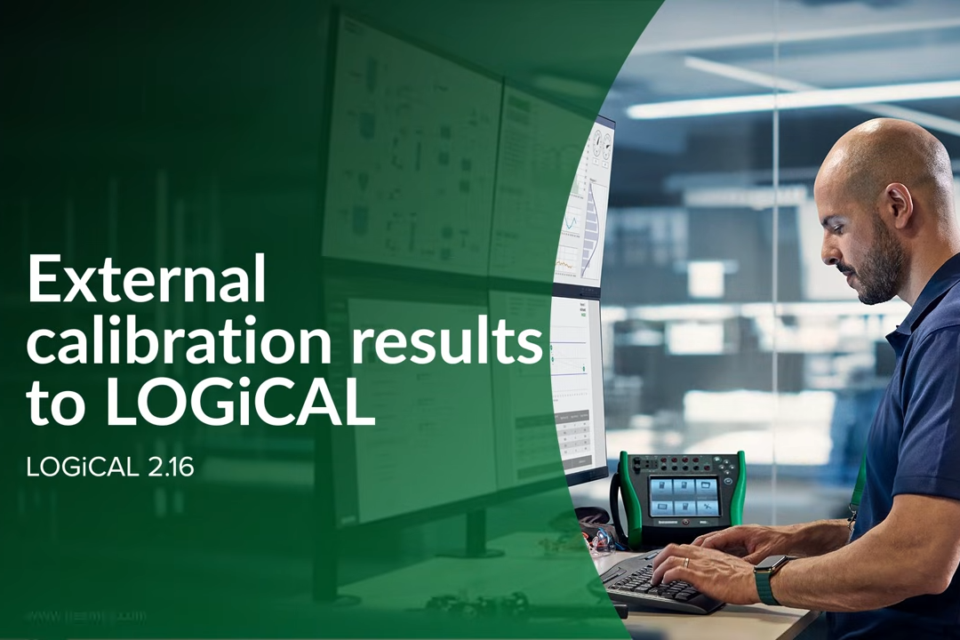
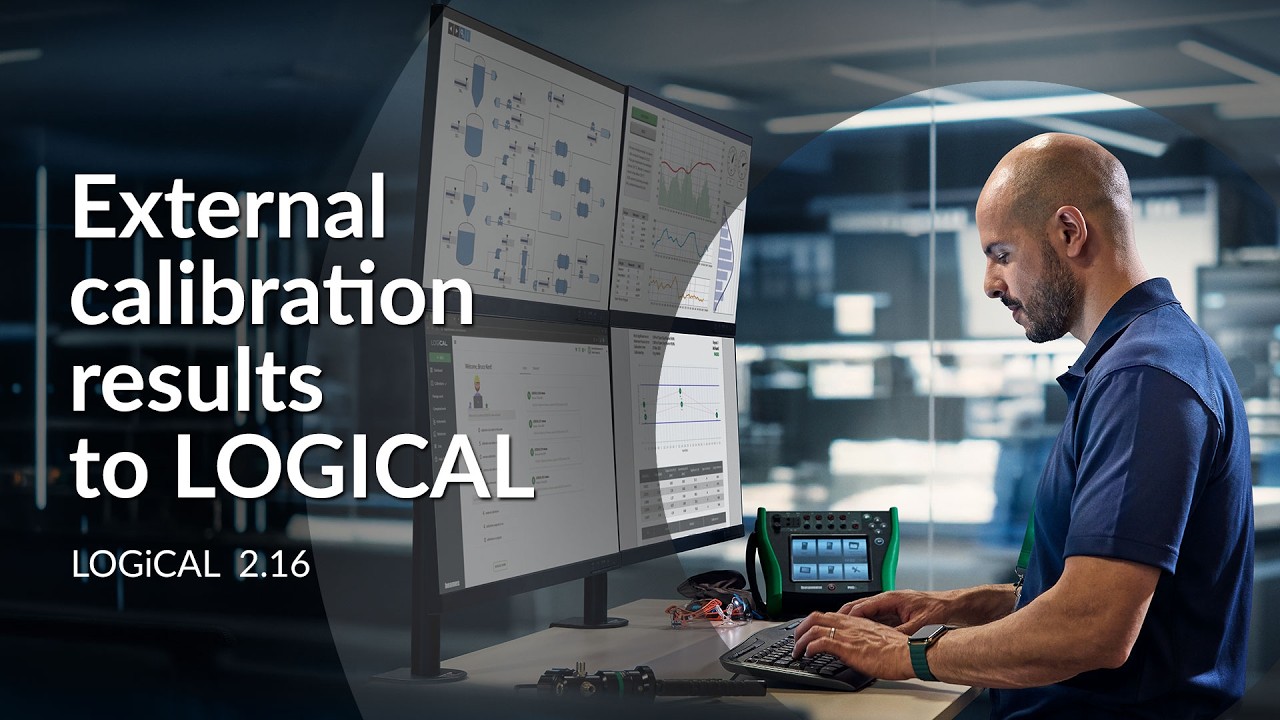
Calibration work done by external service providers can stay in the same system as the rest of your calibrations. This video shows how to add an external calibration result to an instrument in Beamex LOGiCAL calibration management software. You can attach the original certificate and add key result information to the instrument history.
The video walks through selecting an instrument, adding the result, attaching the certificate and entering key details such as calibration date, pass/fail status and service provider. You also see how the result appears in the instrument’s calibration history alongside other completed work, and how the certificate can be opened or downloaded at any time.
This lets you manage internal and external calibrations in one system, improve traceability, support audit and compliance requirements, and find and report results more easily. You can also maintain a list of your external service providers in LOGiCAL. Available from LOGiCAL 2.16.